For Consultants
Know when your client is actually reading your proposal.
DocMetrics gives independent consultants and agencies real-time visibility into how clients engage with proposals, SOWs, and reports — not just who opened it, but where they hesitated, what they re-read, and when an engagement starts going cold before the client goes quiet.
Start for freeNo credit card required

You send the proposal. Then silence.
You spend hours on a scope of work, a project report, or a pricing proposal for a client. You send it. Then you have no idea what happens next. Did they open it? Which sections did they actually read? Is now the right time to check in, or will you come across as chasing them? Meanwhile the client is quietly comparing you to another consultant who happened to call at the right moment.
No visibility after sending
Once you hit send you lose all visibility. You know when the proposal went out, but not what happened after, let alone which sections they actually read.
Wrong follow-up timing
Checking in too early feels pushy. Waiting too long means the client already moved forward with someone else while you were still deciding.
No signal of client intent
You cannot tell which clients are ready to move and which are just gathering quotes. Every proposal gets the same follow-up regardless of real interest.
Know the instant your client opens your proposal.
The moment a client opens your document, DocMetrics sends you a notification. You see when they opened it, what device they used, and how many times they have come back. You can follow up while you are still top of mind.
- Instant notification the moment your document is opened
- See the viewer's location, device, and time of visit
- Track every return visit — multiple opens signal real interest
- Know when your proposal gets forwarded to another stakeholder
- Live indicator shows when someone is reading your document right now

See where clients spend the most time in your proposal.
DocMetrics tracks time spent on every page of every document you share. If a client spends six minutes on your pricing page but skips your methodology section entirely, you know exactly what to address on your next call.
- Per-page bar chart showing exact reading time for every visitor
- See which pages were skipped and which ones were read multiple times
- Identify the sections that actually drive client decisions
- Compare engagement across multiple clients on the same proposal template
- Use reading data to prepare a sharper, more targeted follow-up call
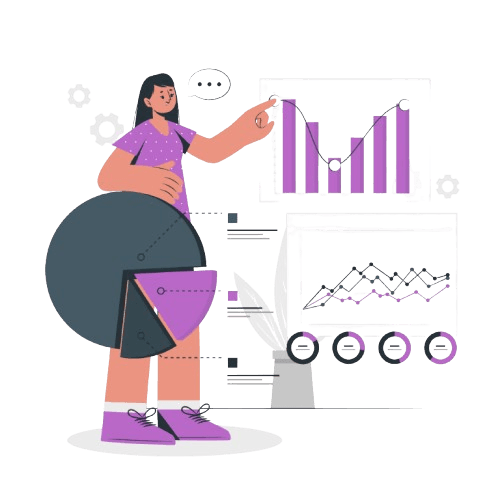
Spot engagement patterns before your next check-in.
DocMetrics highlights engagement signals such as repeated page views, pricing revisits, and video replays that may indicate areas worth discussing with your client before they go quiet.
- See which pages were viewed multiple times
- Know when a client revisited your pricing section multiple times
- Video replay detection shows which explanations clients watched more than once
- See when engagement slows so you know which proposals may need attention
- Receive alerts when new engagement happens so you can decide when to check in

Prioritize the clients most likely to move forward.
DocMetrics automatically scores every client based on their engagement — time spent reading, number of visits, pages reviewed, downloads, and whether they shared the document with others. The clients closest to a decision rise to the top.
- Automatic engagement score calculated from visits, time, and actions
- Score based on document activity so you prioritize the right follow-ups
- See the full engagement history for every client in one view
- Stop chasing clients who opened once and never returned
- Focus your energy where interest is actually high
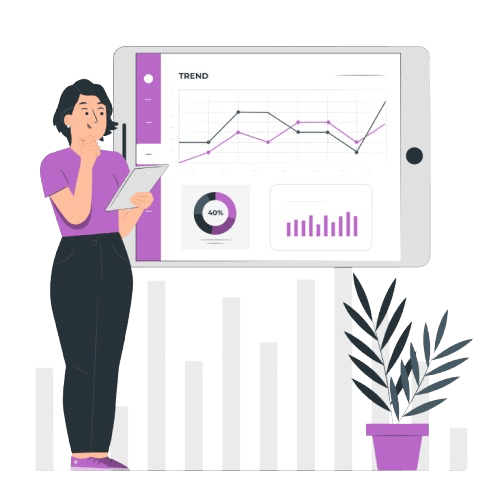
Full control over who sees your proposals and for how long.
Every link you create has its own settings. Require an email address, add a password, restrict to specific domains, set an expiry date, or block downloads — all before you send. Every link is unique and every view is tracked individually.
- Require email verification before anyone can open your proposal
- Password protect sensitive pricing documents and contracts
- Restrict access to specific email addresses or company domains
- Set expiry dates so old proposals cannot be accessed after an engagement ends
- Block downloads while still allowing full document viewing

Send personalised proposals to every prospective client at once.
Upload your CSV, map your custom fields, and DocMetrics generates a unique tracked link for every recipient. Each client gets their own document and you track each one individually — opens, pages read, time spent, and engagement score.
- Upload a CSV with client names, emails, and custom fields
- Each client gets their own unique tracked link
- Preview the document for any client before sending
- Track engagement per client — opens, pages read, and score
- Follow up with non-openers or high-intent readers as a targeted group
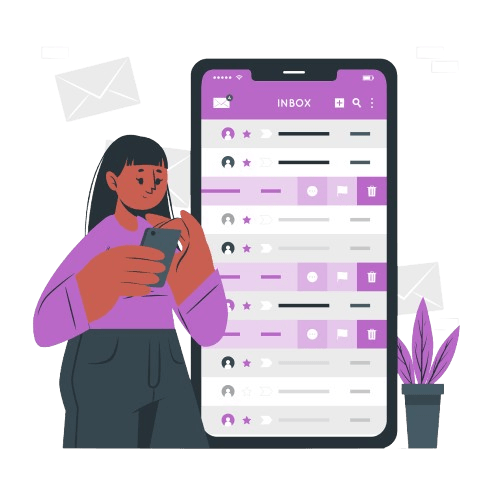
Request signatures and track every step of the signing process.
Send documents for e-signature directly from DocMetrics. Place signature fields, set a signing order, and track exactly how long each recipient took to open, read, and sign. All signature data appears in the same analytics dashboard.
- Send signature requests to one or multiple stakeholders
- Place signature, date, text, checkbox, and attachment fields
- Track time to open, time to sign, and pages viewed before signing
- Signing funnel shows how many opened, reached the signature, and completed
- Bundle multiple documents into one envelope for complex engagements

Frequently asked questions
Everything you need to know about DocMetrics for consultants Contact us if you cannot find what you are looking for.
No. Clients receive a completely normal document viewing experience. There is no software to install and no indication that their engagement is being measured. They simply open and read the proposal or report as they normally would.
Notifications arrive within seconds of a client opening your document. You receive an alert by email and in-app the moment the link is opened so you can follow up while the engagement is still top of mind for them.
Yes. Each client gets their own unique link so DocMetrics tracks each engagement individually. You see exactly who opened what, when they opened it, and how long they spent on each page — all kept separate, per client.
DocMetrics supports PDF documents. This covers proposals, statements of work, project reports, case studies, deliverables, and any other client-facing material you currently share as a PDF.
The engagement score is calculated from a combination of factors including number of visits, total time spent reading, pages viewed, whether the document was downloaded, and whether it was forwarded to other stakeholders. Higher scores indicate a client is more likely to move forward.
Yes. You generate tracked links from DocMetrics and share them however you normally would — by email, a client portal, or any other channel — while all analytics stay in DocMetrics. Your existing workflow does not need to change.
Yes. You can send signature requests directly from DocMetrics, place signature fields on any page, set a signing order for multiple stakeholders, and track exactly how long each person took to open, read, and sign.
All documents are encrypted in transit and at rest. Share links support NDA gating so clients must sign a confidentiality agreement before they can view anything. You retain full ownership of everything you upload and can revoke access at any time.
Start knowing what happens after you hit send.
Upload your first proposal and see real engagement data in under two minutes. No credit card required.
No credit card required