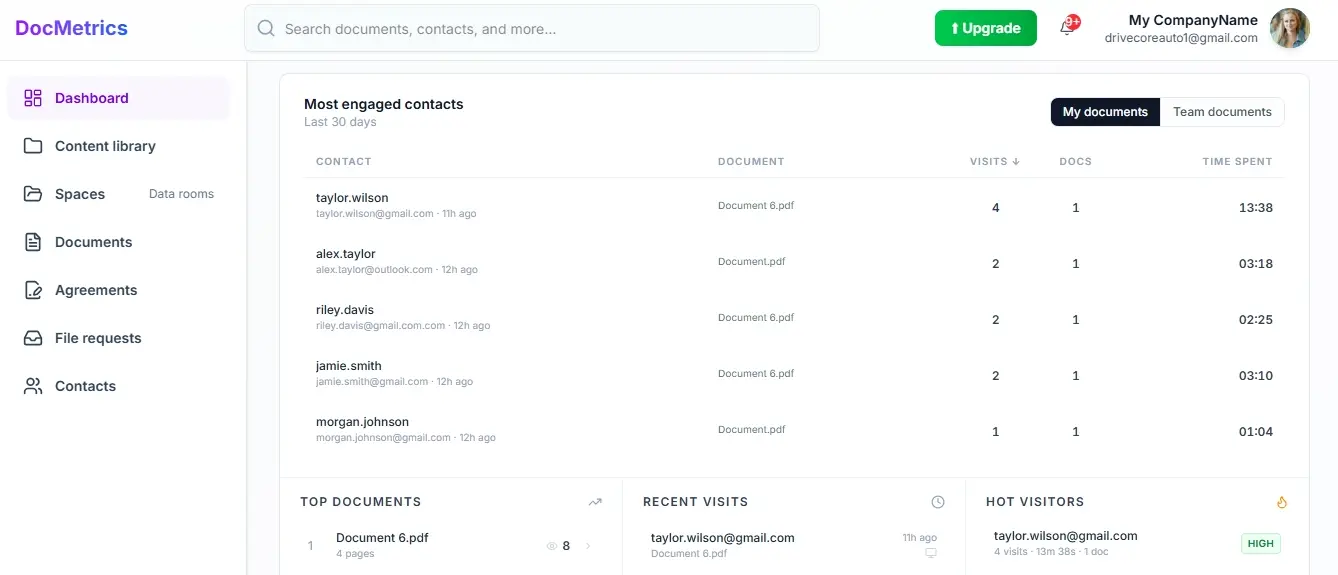

Not just who opened it — what they actually did with it.Track re-reads, internal forwarding, and stakeholder activity before the deal goes cold.
From the first proposal to the final signature — DocMetrics tells you whether your deal is moving, who is really involved, and what to do next.
Add image

Share board materials securely. Know who read the agenda before the meeting starts.
Add image

Send your pitch deck and know exactly which slides investors spent time on.
Add image

Branded document rooms for every client. Collect files, signatures, and feedback in one place.
Add image

Secure data rooms with NDA gating, role-based access, and full audit trails for every document.
See every re-read, every hesitation, and whether your prospect is progressing deeper into your proposal or getting stuck — all in real time.

Watch how teams use DocMetrics to track documents, manage data rooms and close deals faster.
See every re-read per prospect across sessions, whether engagement is accelerating or fading, and what the silence after sending probably means.
Learn moreKnow the difference between a prospect who is gone and one who is quietly building an internal case. Follow up with the right message at the right moment.
Learn moreCreate a branded space for investors or clients. Control access, track every view, and collect signatures — all in one place.
Learn moreEverything you need to know about DocMetrics. Can't find the answer you're looking for? Contact us.
DocuSign and PandaDoc handle signatures. DocMetrics handles everything that happens before the signature — whether the deal is gaining momentum, who is really involved, what the silence after sending means, and what to do next. We do signatures too, but the intelligence layer is what sets us apart. You know exactly why someone signed, stalled, or declined.
No. Anyone you share a link with can open and view the document instantly — no sign-up, no login, no friction. You track everything on your end while they experience a seamless viewing flow.
The moment a recipient opens your document you receive a real-time notification by email, in-app, and in Slack if connected. Your dashboard updates instantly showing who opened it, which pages they read, how long they spent on each page, and exactly where they stopped.
A Space is a secure branded environment where you organize multiple documents for one deal, client, or investor relationship. Visitors access everything through one link and you see every interaction across all documents inside — which files were opened, by whom, and for how long.
Yes. Every share link can be password protected, restricted to specific emails or domains, set to expire after a date or number of views, and configured to block downloads or forwarding. For Spaces, you assign role-based permissions so each person only sees what they are meant to see.
You can record a short video explanation for any page in your document — like a 45-second clip saying 'this clause just means X in plain English.' Prospects and signers see a floating bubble as they read and can watch your explanation without leaving the document. You then see exactly who watched, how much they completed, and whether they replayed it.
Yes. Share your pitch deck and see which slides held attention, who spent the most time on financials, and whether they forwarded it to a partner. The deal intent question at the end of the document tells you exactly where each investor stands — ready to move forward, need more information, or discussing with their team.
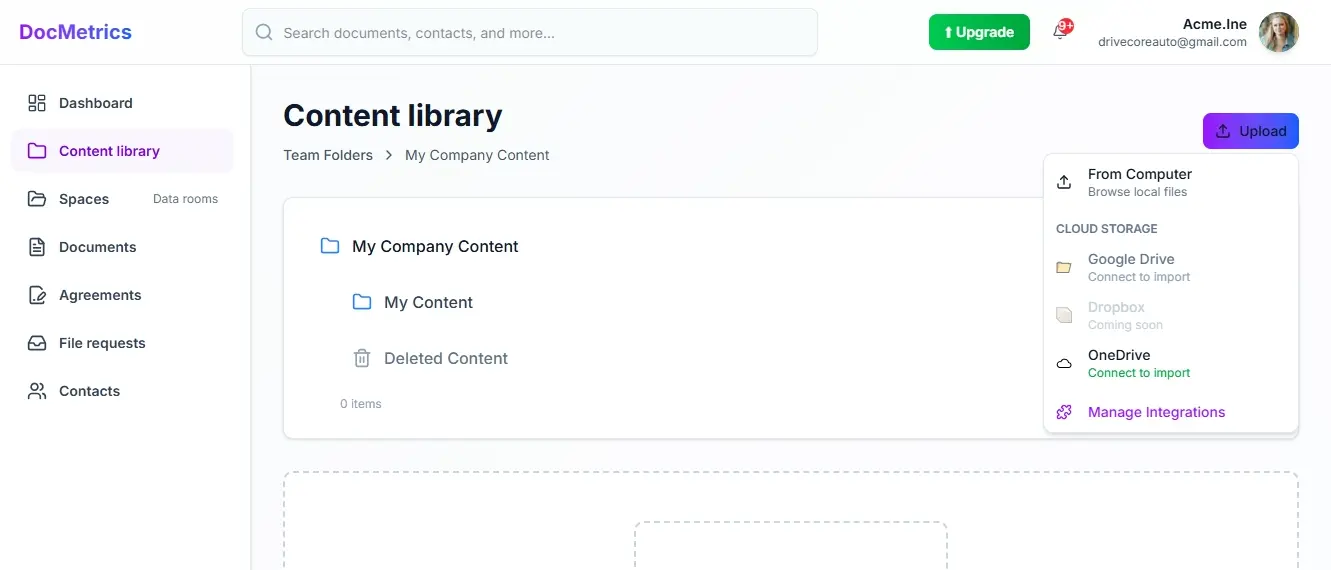
Yes. You can import documents directly from Google Drive and OneDrive into your documents or spaces without downloading and re-uploading. Changes you make to the original do not affect the tracked version.
Yes. Every signature request tracks page-by-page reading time, video walkthrough completion, and page clarity reactions — so you know exactly how much the signer understood before they signed or declined. If someone declines, you can see which page they were on and how long they spent before making that decision.
All documents are encrypted in transit and at rest. Share links support NDA gating, so recipients must sign a confidentiality agreement before they can view anything. You retain full ownership of everything you upload and can revoke access at any time.